Running On-Device AI Models on Android: MediaPipe, Llama.cpp, or ExecuTorch?
Explore the best ways to run on-device LLMs and AI models on Android. I compare MediaPipe, Llama.cpp, and ExecuTorch to help you choose the right backend for offline AI Android edge computing.
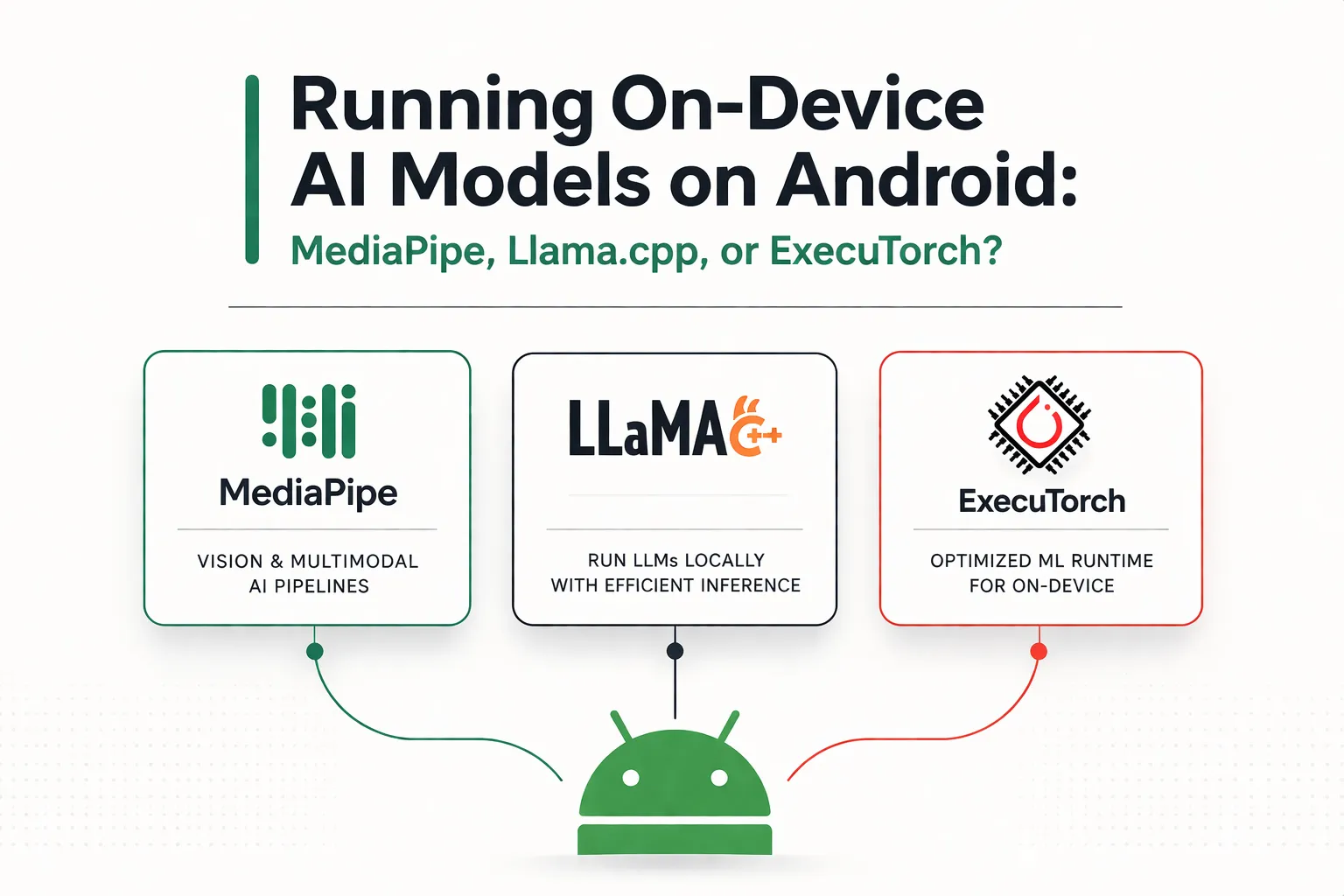
The days of sending every AI request to the cloud are starting to fade. Modern Android phones now have enough local compute power to run useful AI models directly on the device, which makes low-latency responses, better privacy, and offline features much more practical than they were a few years ago.
At the same time, the Android on-device AI stack is still fragmented. If you're building an AI-powered app today, your choice of runtime affects model compatibility, integration effort, hardware acceleration, and long-term maintainability.
1. MediaPipe: The Google Ecosystem Choice
Backed by Google, MediaPipe is often the first place Android developers look when they want to add on-device AI. Its LLM Inference API makes it relatively easy to run supported language models locally, especially if you already work in Kotlin or Java.
Pros:
- Seamless Integration: The Android APIs fit naturally into a typical mobile app workflow, and setup is much simpler than stitching together native inference code by hand.
- Turnkey Experience: MediaPipe offers ready-made building blocks across vision, audio, and text, which helps teams move quickly from prototype to working feature.
- GPU Acceleration: On Android, the LLM Inference API supports GPU acceleration in addition to CPU execution.
Cons:
- Not a Production LLM Stack Yet: Google describes the MediaPipe LLM Inference API on Android as experimental and intended for research use rather than full production deployment.
- No Direct NPU Support in MediaPipe LLM Inference: The Android API exposes CPU and GPU backends, but not direct NPU selection inside MediaPipe itself.
- Limited Model Flexibility: It is best suited to supported model families rather than highly customized architectures or unusual quantization setups.
The Verdict: Choose MediaPipe if you want the fastest path to a working prototype and you are happy to stay within Google's supported model ecosystem. If your goal is true Android NPU acceleration for LLMs, you will likely need a different path such as Android AICore rather than MediaPipe's LLM API itself.
2. Llama.cpp: The Developer's Playground
Llama.cpp has become the most flexible open-source runtime for local LLM inference. Its lightweight C/C++ core, huge community momentum, and broad GGUF model support make it a favorite for developers who want control over every part of the stack.
Pros:
- Extreme Quantization Options: Llama.cpp supports GGUF workflows with quantization formats ranging from very aggressive low-bit variants up to higher-precision options, which helps squeeze larger models into phone-sized memory budgets.
- Minimal Runtime Footprint: The native core is small, which makes it attractive when APK size matters.
- Broad Model Availability: Popular open-source models are often converted to GGUF quickly, so developers usually have many models to experiment with.
Cons:
- More Complex Android Integration: Using Llama.cpp on Android usually means JNI and NDK work, which raises the setup cost compared with a standard dependency-based Android library.
- More Manual Performance Tuning: Threading, memory limits, context size, and battery tradeoffs are largely your responsibility.
The Verdict: Choose Llama.cpp if flexibility matters more than convenience. It is especially strong for developers who want to run quantized open-source LLMs on Android without being locked into a narrow model pipeline.
3. ExecuTorch: The Production-Oriented Path
ExecuTorch is Meta's on-device inference runtime and the successor to PyTorch Mobile. It is built for teams that want a cleaner path from PyTorch training to mobile deployment, with a strong emphasis on portability and hardware-aware execution.
Pros:
- PyTorch-Native Workflow: ExecuTorch is designed around exporting models from PyTorch, which makes it attractive for teams already training and iterating in that ecosystem.
- Very Small Base Runtime: The base runtime is roughly 50KB, which is unusually small for a mobile inference engine.
- Strong Hardware Delegate Story: ExecuTorch offers backends such as Qualcomm QNN, MediaTek support, and XNNPACK for CPU fallback, giving it a much stronger NPU story than MediaPipe's LLM API.
- AOT Memory Planning: Its runtime uses ahead-of-time memory planning to avoid dynamic allocations during inference, which helps with predictable latency and stability.
Cons:
- Steeper Export Pipeline: The path from a PyTorch model to a deployable ExecuTorch artifact can be complex for teams that are new to the tooling.
- Smaller Android Learning Ecosystem: Compared with MediaPipe, there are fewer tutorials, examples, and community guides focused specifically on Android app integration.
The Verdict: Choose ExecuTorch if your team already works in PyTorch and you care about production deployment, hardware delegates, and long-term optimization. It is the strongest option here for serious Android inference pipelines that need NPU-class acceleration on supported chipsets.
Summary Comparison Matrix
| Feature | MediaPipe | Llama.cpp | ExecuTorch |
|---|---|---|---|
| Best For | Quick implementation, standardized models | Ultimate flexibility, GGUF models | Complex custom PyTorch models |
| Android Setup | Easy (Gradle-style integration) | Medium (JNI/NDK work) | Hard (complex export pipeline) |
| Memory Footprint | Medium-High | Very Low | Ultra Low (~50KB base runtime) |
| GPU/NPU Support | GPU support, no direct NPU backend in LLM API | Depends on build/runtime path, generally more manual | Strong delegate support including QNN and CPU fallback |
Final Thoughts
There is no single best runtime for every Android AI app. The right choice depends on whether you care most about fast integration, model flexibility, or a production-grade deployment pipeline.
- Use MediaPipe if you want to get a supported model running quickly with minimal Android friction.
- Use Llama.cpp if you want the most freedom to run quantized open-source models and do not mind working closer to the metal.
- Use ExecuTorch if you are building a serious PyTorch-to-Android pipeline and want stronger support for hardware-accelerated inference.
As Android hardware keeps improving, on-device AI is becoming less of an experiment and more of a default product expectation. For responsive, privacy-friendly, and offline-capable apps, running inference at the edge is quickly turning into the standard approach.